I picked up a couple Juiceboxes and MP3/picture kits a few months ago when they were on clearance at WalMart. A few days ago I noticed they were on clearance now at Target (you can get both the unit and the MP3/picture kit for a total of $24 plus tax) and I posted to the linux-hacker forums that Target had them on clearance now. Today, there is a slashdot post about them. Hopefully now someone will figure out how to make it play our own videos.
Poking around online, I found this post talking about using it as an e-book reader. I hadn’t thought of that! So, since I had some lying around, I tried it. In about 10 minutes I was reading text on my Juicebox. Here’s how I did it:
- Download and install JPEGBook
- Set the size in JPEGBook to be 240×160
- Run JPEGBook on a text file
- Use the Juicebox software to import the new book jpgs to your Juicebox.
- Read and enjoy!
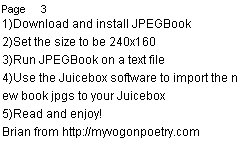
Here is the JPG that I put on the Juicebox:
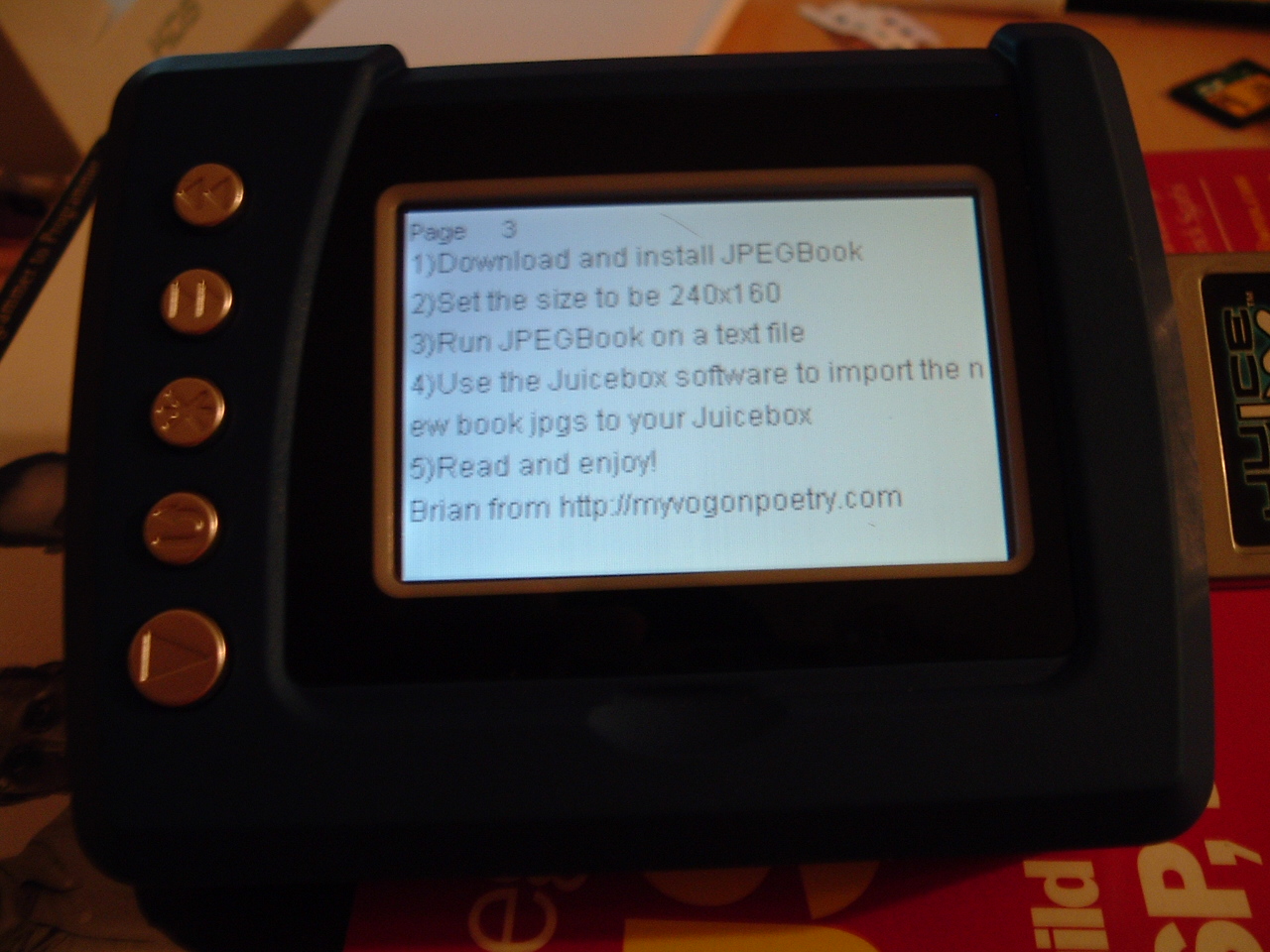
Here is a picture of the Juicebox displaying the text image (click to enlarge – it’s readable!). It looks much better in person – the screenshot looks a bit blue and washed out:
UPDATE: Here is a Flickr photo showing the button functions (point at the buttons):
http://www.flickr.com/photos/brianpipa/17335231/
Technorati: juicebox, ebooks, ebook reader, hack, slashdot
Pingback: Branko's Weblog » Mattel’s megacheap e-book reader
Brian, that’s great! Thanks for posting the picture.
BTW, how do you “leaf” through a book? I take it there’s a button for “Next page” and perhaps one for “Previous page”? Any more?
To leaf through, the upper left button is PREV, the next one down is NEXT. I put up a Flickr photo with notes sjhowing what the buttons do:
http://www.flickr.com/photos/89373585@N00/17335231/
Brian
Pingback: Branko's Weblog
I saw the slashdot, literally fled out of my house and sped to Walmart to find they didn’t have them, and then lucked out with Target. So I have two. It’s a pity the picture frame person’s “hack” really just consisted of using the media card. However:
Link to Linux hacker forum
Forget JPEG; it loads it’s own custom bitmaps, which you can throw on the card directly. Which means, no artifacts, no image loss. I personally plan on using mine so I don’t have to boot up a computer and load acrobat everytime I need a pinout…
Zach, sounds cool! How do you convert a text file to an image file though?
Pingback: MAKE: Blog
Teleread has photos of a children’s picture book by Ellen Hage.
Hello Brian,
I have posted a small program called GDBook at my blog to convert texts to images. It is not as usable as JPEGBook, but it will break lines at word boundaries, and will output as PNG instead of JPEG, so that you can losslessly convert to the Juice Box native format as outlined at the Linux-hackers’ Juice Box forum.
Could you perhaps post this to the Linux-hacker forum? They might be interested. (I am not a subscriber.)
My JuiceBox hacking site. Looks like crap, but I’ll fix it up later. Features the JBRemix of GDBook, which saves straight to JBP and takes command line args (make sure you have them enabled in php.ini!) and some tech docs I formatted for use with the JB. Happy hacking!
Do you know how it could be used as a WMV player
RESPONSE: Currently it can’t. Keep an eye on the Linux-Hacker forums for the latest progress in hacking it so it can play our own movies. –Brian
does any one know where i can get the software that comes on the cd i lost it and dont know where to look
Pingback: exit the author » I smell your blood, and it smells tre delicious
Thanks man, your article is quite helpful.
Zam
Ray Digital – Ebook Design, Ebook Development
http://www.raydigital.com
Pingback: Tablet Minds » Blog Archive » The Juicebox Media Player - H@cked
Pingback: iDiy.mobi » E-books on the Juicebox - HOWTO
the price????
This is cool. And you can also search online for pdf to text converters so that you can put pdf e-books on your mp3 player.