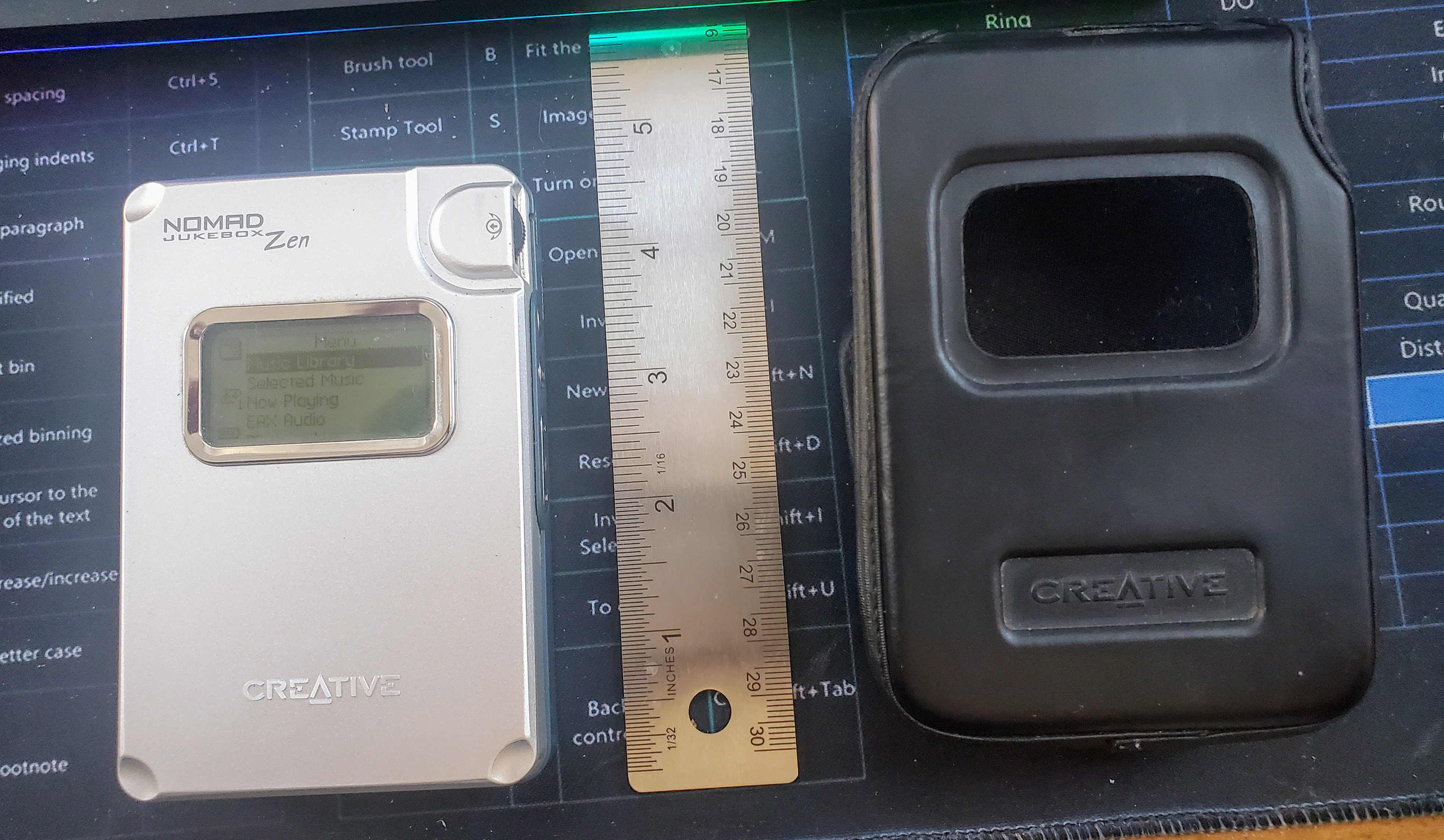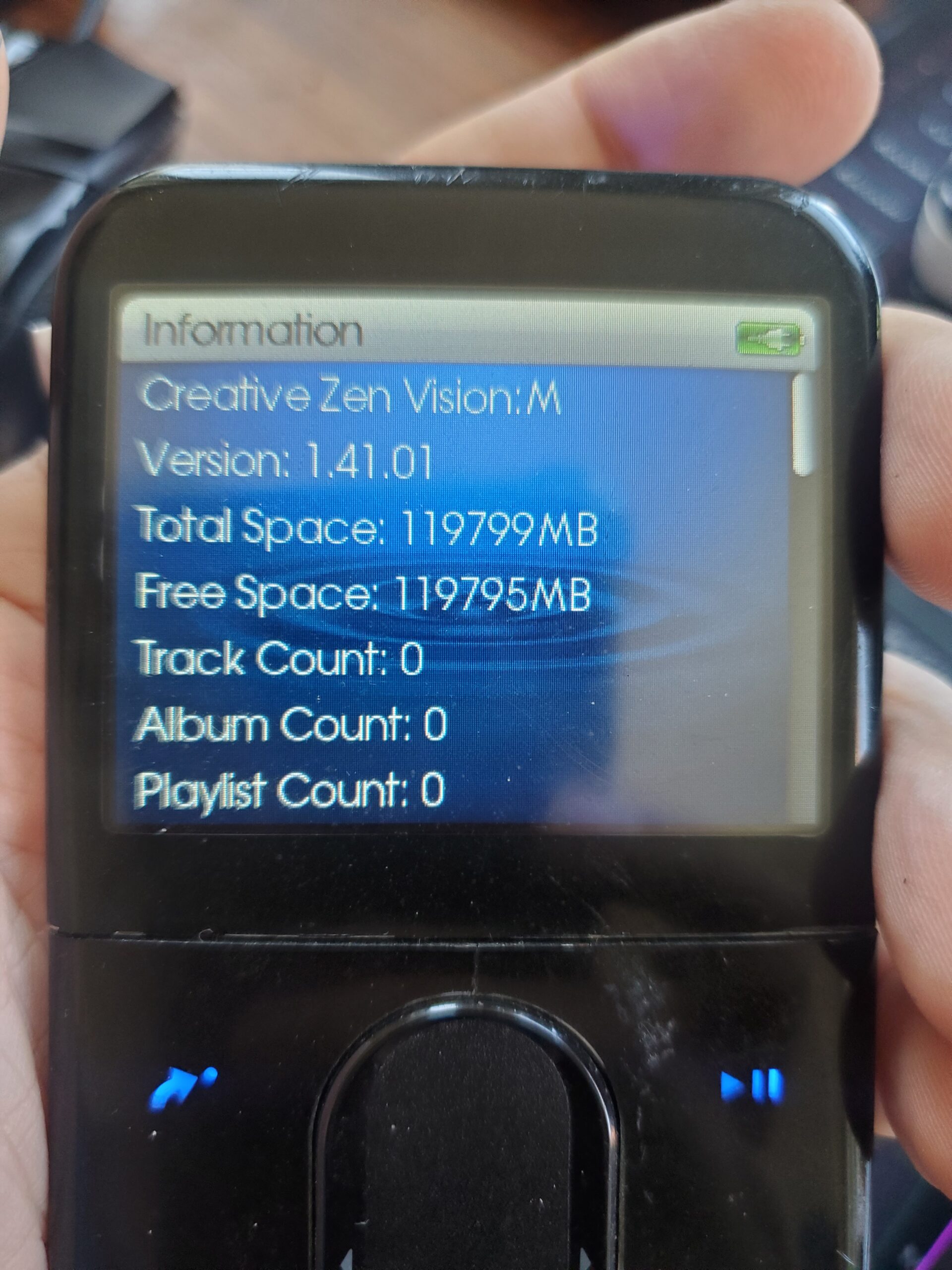
I picked this up for $10 from FB marketplace. It’s in fantastic condition and came with the AC adapter and a case. But… the battery only was lasting about 30 minutes. So, I decided to see if I could replace it. This is one of the easiest -players to open – all screws are visible and easy to get to.
Author Archives: Brian
Creative Vision:M IDE HDD upgrade to microSD and battery replacement

I previously showed how I upgraded a ZIF Creative Vision:M to use microSD. This time I have an IDE version, not ZIF. I couldn’t find any good info on upgrading the IDE version so I thought I’d document it here.
Parts needed:
- $8 NFHK CF Compact Flash Memory Card to 50pin 1.8 Inch IDE Hard Drive SSD Converter Adapter
- $13 QUMOX Dual Port CF Adapter Reader for microsdXC TF to Compact Flash CF Type 1 Memory Card
- $12 Amazon Basics 128GB microSD card I used Amazon Basics, but any good card should work.
- $16 Cameron Sino Rechargeble Battery for Creative Zen Vision M
So for about $50 you give your Creative Vision:M a new battery and upgraded microSD storage.
How to get album art to show on old MP3 players

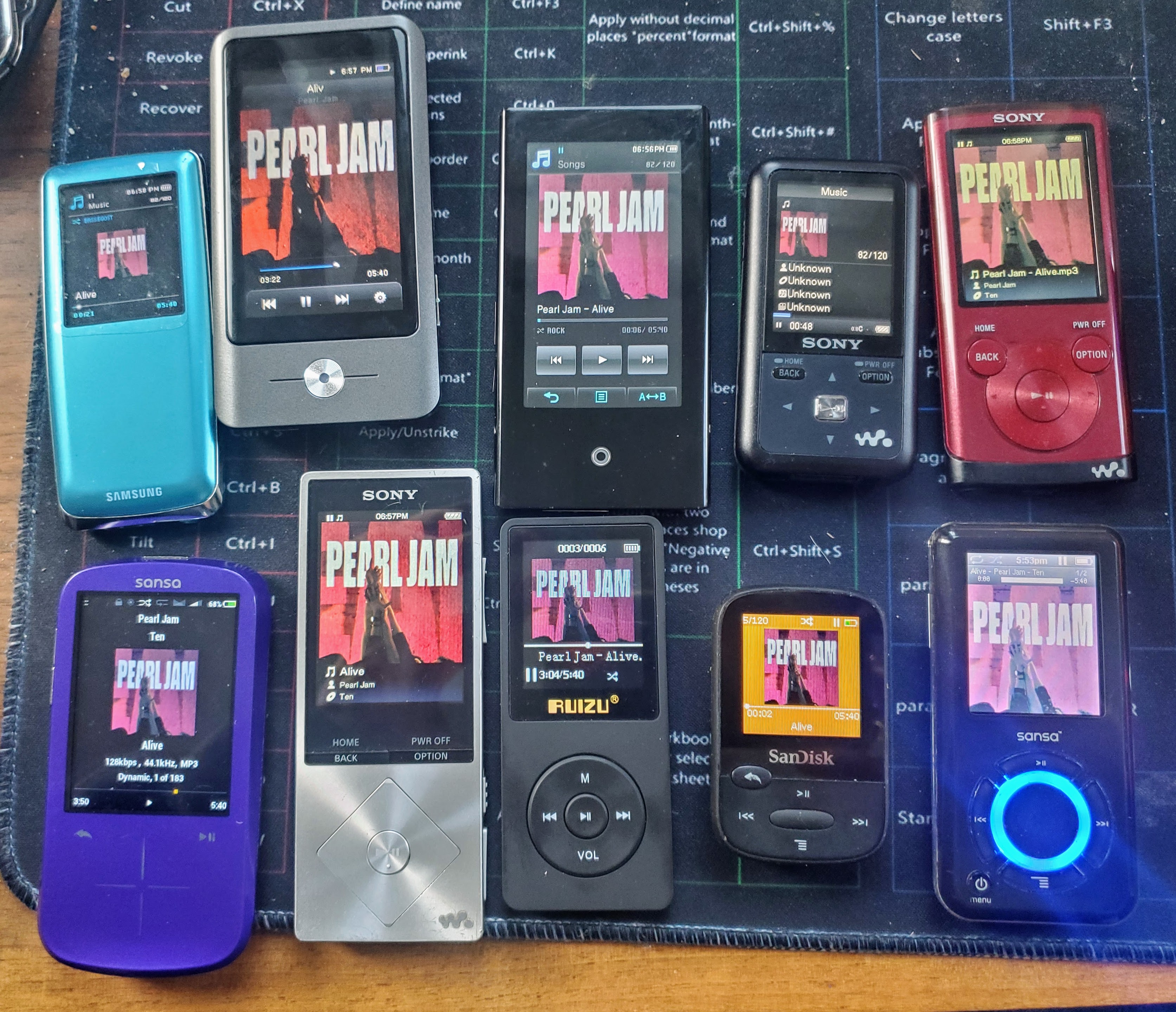
I have a BUNCH of old MP3 players now. I take my favorite 120 songs and put them on all of them and use them. I finally got tired of only having about 20 of them show their album art and the others didn’t. I decided to figure out how to fix it. Here is what I found – by doing this, it made almost every one of the album arts show on my various MP3 players from Sony, Samsung, Sandisk/Sansa, Rockbox, Coby, Ruizu, etc.
How to use Google Drive with KOReader using Webdav and Koofr for free
If you want to be able to get your epubs/ebooks from your Google Drive using Koreader, here’s a free way to do it:
- Put your ebooks into Google Drive (I use FBReader, but you can just use a folder in Google Drive)
- Sign up for a free 10GB Koofr account
- Add Google Drive to your Koofr account
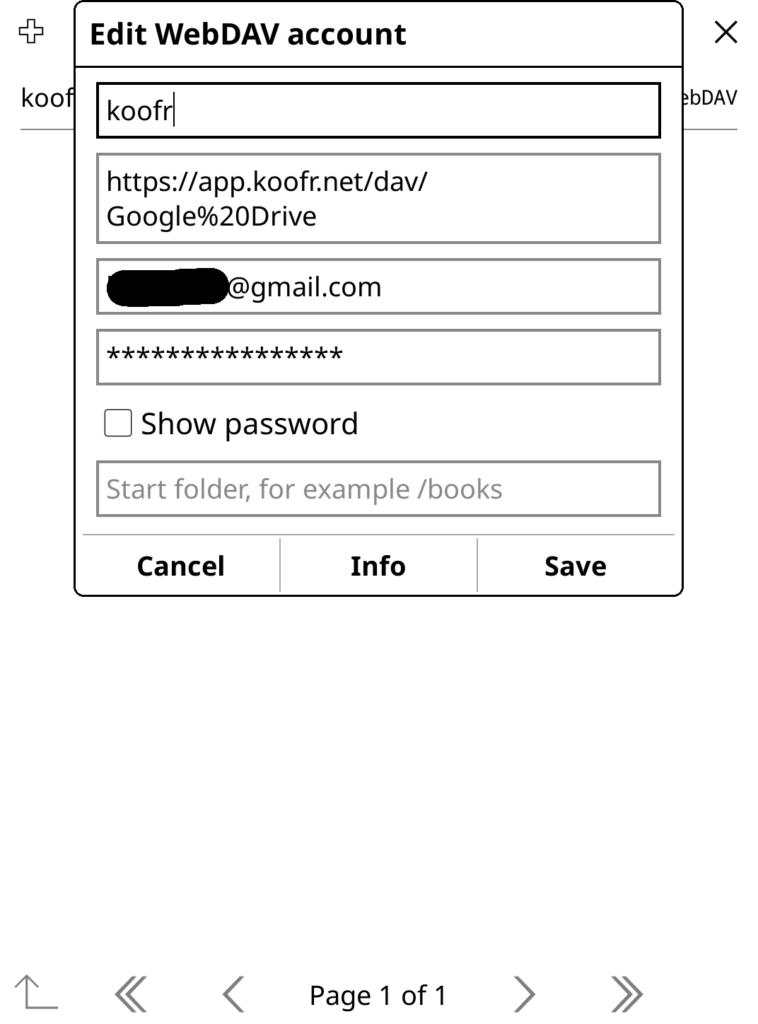
- Create a password to access Koofr via WedDav (it’s at the bottom of https://app.koofr.net/app/admin/preferences/password )
- Add Koofr as a WEBDAV cloud storage option in Koreader and use the password you created in the previous step
Now you can access and download your ebooks from your personal Google Drive storage from within Koreader!
Overdrive Libby MP3 Downloader
Just for fun, I whipped this together and released it: https://github.com/brianpipa/OverdriveMP3Downloader
Initial version took a couple of hours, then a couple more hours to clean it up a bit. Works great!