SOLVED! The firmware on my Clip Sport Go was 1.04. I updated to 1.05 and that fixed everything. I dropped the upgrade file (archived here for safekeeping) onto the player (from Windows), let it upgrade, then formatted it from within the player (not sure that was necessary), and now it’s auto-mounted on linux and works perfectly!
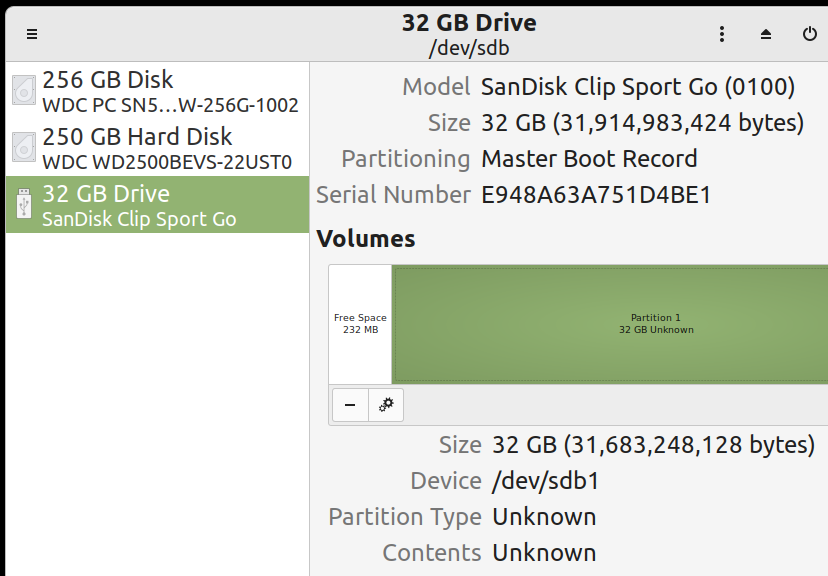
I picked up a SanDisk Clip Sport Go and it does not want to mount in linux. I tried it on my Windows 10 laptop and it mounts as a drive just fine. Transferred music over, everything is great. On Linux Mint 20.3 (Una) here is what happens…
When I plug it in, after a LONG time (30s? 1 minute?) I eventually hear the “device connected” sound, but nothing mounts. If I then opened the Disks application I could see it there, but there is no option to mount it. From what I figured out, the first partition is the firmware, the second is for storage and this larger storage partition is what gets mounted to transfer files.