Sweet! My last post about ebooks on the Juicebox made Make Magazine and Hackaday!
Linked from Make and Hackaday!
Leave a reply
Sweet! My last post about ebooks on the Juicebox made Make Magazine and Hackaday!
I picked up a couple Juiceboxes and MP3/picture kits a few months ago when they were on clearance at WalMart. A few days ago I noticed they were on clearance now at Target (you can get both the unit and the MP3/picture kit for a total of $24 plus tax) and I posted to the linux-hacker forums that Target had them on clearance now. Today, there is a slashdot post about them. Hopefully now someone will figure out how to make it play our own videos.
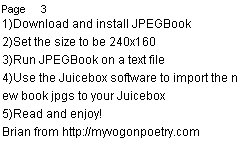
Poking around online, I found this post talking about using it as an e-book reader. I hadn’t thought of that! So, since I had some lying around, I tried it. In about 10 minutes I was reading text on my Juicebox. Here’s how I did it:
Here is the JPG that I put on the Juicebox:
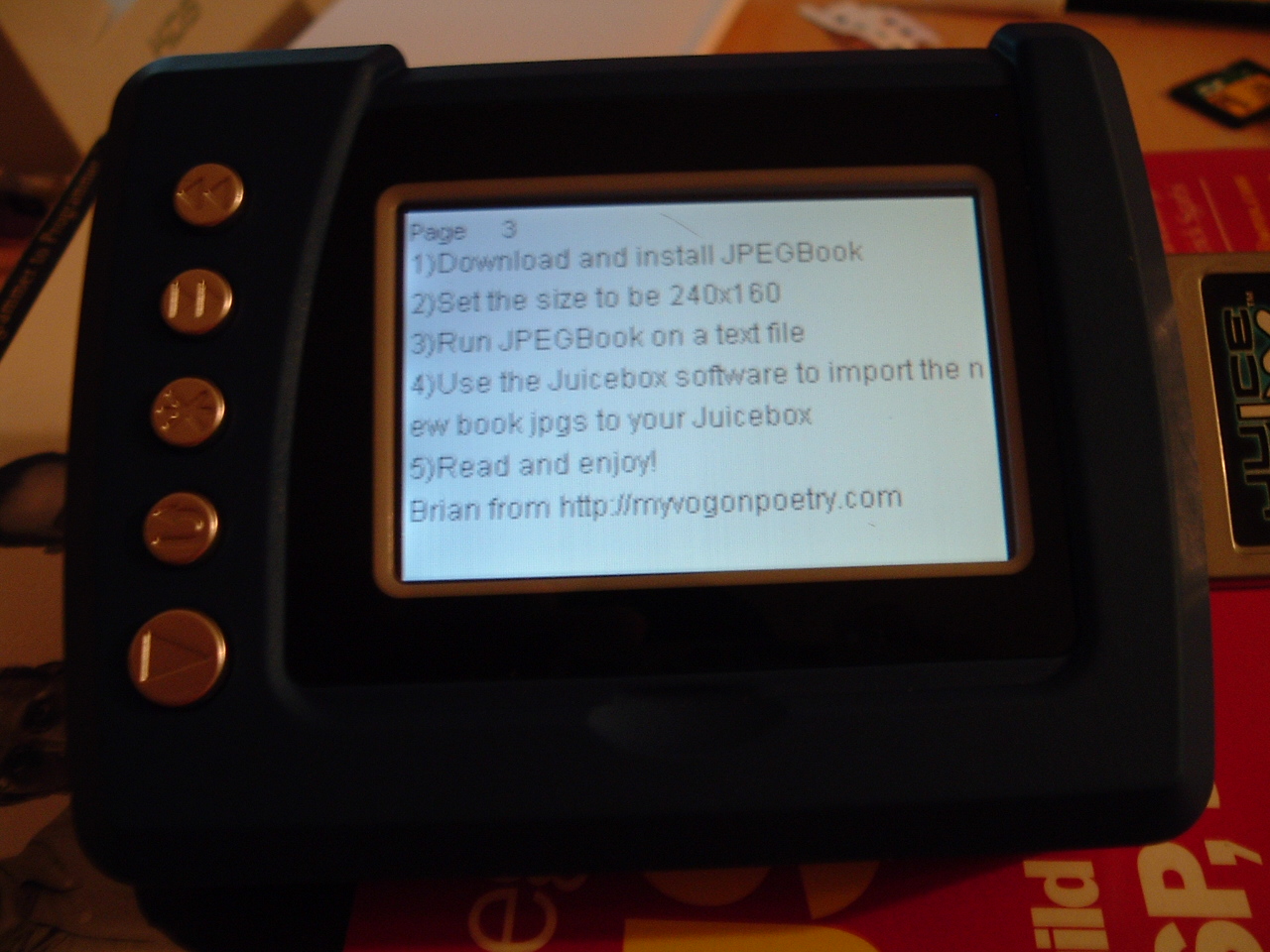
Here is a picture of the Juicebox displaying the text image (click to enlarge – it’s readable!). It looks much better in person – the screenshot looks a bit blue and washed out:
UPDATE: Here is a Flickr photo showing the button functions (point at the buttons):
http://www.flickr.com/photos/brianpipa/17335231/
Technorati: juicebox, ebooks, ebook reader, hack, slashdot
Some more good music. This time found thanks to the De-Fi Radio Podcast. Check out http://www.paulwarnermusic.com – he sounds a bit like John Mayer. Paul has his entire album available in MP3 format for free download.
At the time I write this, there are only 150 hits (on Google of course) for the phrase “I Google Everything”. Hey Google! How about some bumper stickers and/or T-shirts that say this? If you do it, can I get one of each free for thinking of it? Email me for my mailing address.
What self-respecting geek doesn’t google everything? Three real examples from today: Want to find out what that icon is/does on your cell phone display? Google it. What’s the wattage of your microwave? Google it. How does a DOMParser handle CDATA? Google it.
Need a quick and easy way to rip CDs to Mp3 on Windows? Try Audiograbber. be sure and also get the LAME DLL with it (link on the download page). AG rips to MP3 and will look up the CD online so the tags are filled out correctly. FREEWARE! Another one to try is CDEx though I don’t like the interface in CDEx as much.